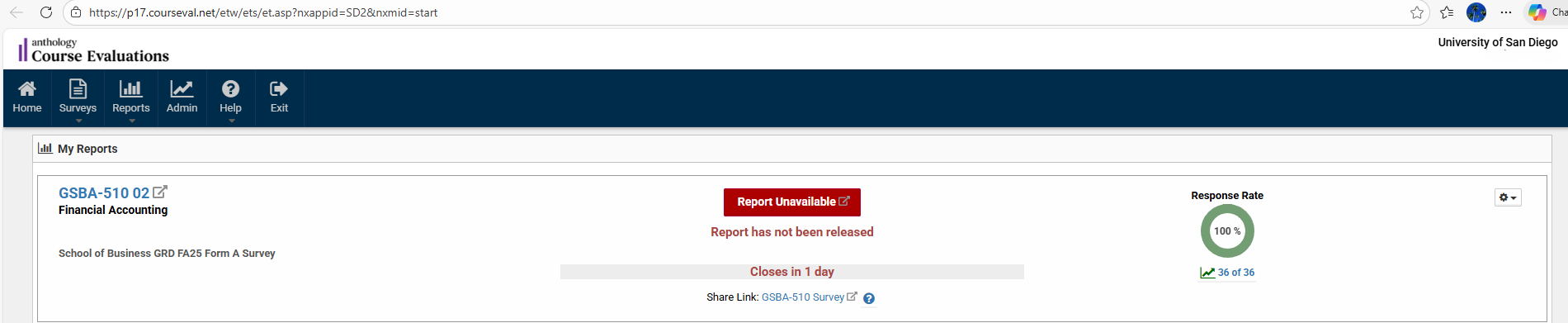
Here’s how to find out what the response rate is for your course evaluations.
- Log in to MySandiego.edu
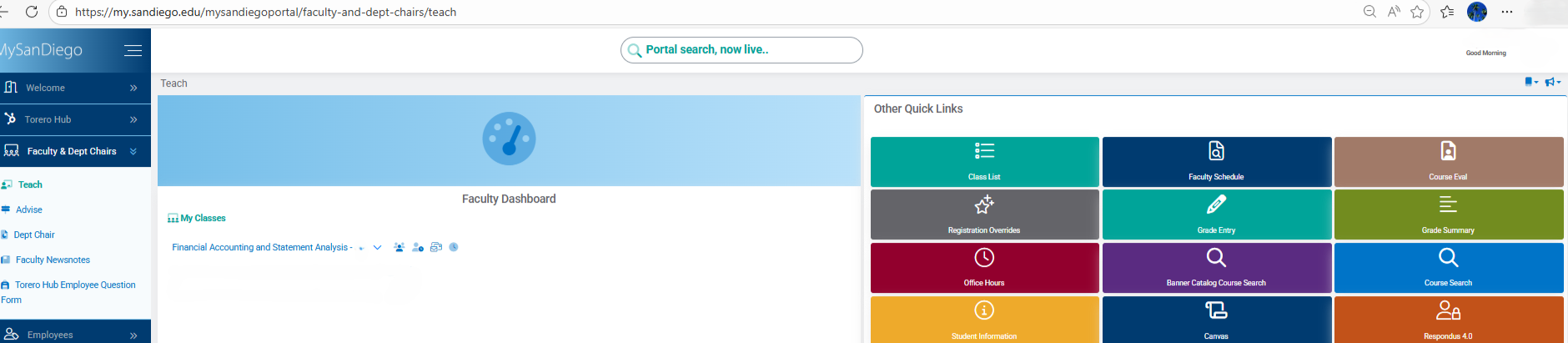
- In the navigation bar on the left of your screen, click on “Faculty & Dept. Chairs” and then click on “Teach”
- On the right side of your screen, click on the link to “CourseEval”
4. Next, you should see the name of your course. The response rate is on the far right side of the screen.